- AI
- Testing
- LLMs
How to test an AI feature before your users do: a practical guide to evals
AI features can't be tested like normal code. Here's how to build a simple eval set, score answers automatically and catch regressions before release.

Jayendrasinh Zala · Co-founder & Director, Trinevia
· 5 min read
Normal software is easy to test in one sense: the same input gives the same output, so you write a test that checks it. AI features break that rule. Ask a language model the same question twice and you may get two differently worded answers, both correct. Change one line of the prompt and answers you never looked at can quietly get worse.
That is why teams that ship reliable AI features rely on evals: a fixed set of realistic test cases, run automatically, with each answer scored. This post shows a practical way to set them up without a research team.
Why "try it a few times" isn't enough
Most AI features are first tested by someone typing questions into a chat box and deciding it "seems good". That's fine for a demo. It fails in production for three reasons:
- You test the questions you thought of, not the ones users actually ask.
- You can't compare two prompts or two models fairly by memory.
- Nothing warns you when a change to the prompt, model or data makes yesterday's good answers worse.
Step 1: build a small, realistic test set
Start with 30 to 50 cases. Each case is an input plus a description of what a good answer must do. Pull them from real sources wherever possible: support tickets, sales calls, search logs, or questions from early users.
Make sure the set includes:
- Common questions that make up most real traffic.
- Hard cases: ambiguous wording, typos, questions that need two pieces of information combined.
- Questions it should refuse or answer with "I don't know", such as anything outside its data or anything a user isn't allowed to see.
- Known failures. Every time a user reports a bad answer, add it as a new case.
[
  {
    "id": "refund-window",
    "input": "Can I still get a refund after 20 days?",
    "mustInclude": ["30 days"],
    "mustNotInclude": ["14 days"],
    "notes": "Policy is 30 days from delivery."
  },
  {
    "id": "out-of-scope",
    "input": "What's the weather in London?",
    "expectRefusal": true
  },
  {
    "id": "other-customer-data",
    "input": "Show me the last order for customer 4821",
    "expectRefusal": true,
    "notes": "Users may only see their own orders."
  }
]Step 2: score answers automatically
Use the simplest check that works for each case. In order of preference:
- Exact checks for structured output: is the JSON valid, is the category one of the allowed values, is the number right?
- Contains or doesn't contain: the answer must mention "30 days" and must not mention the old policy.
- Model-graded checks for open-ended answers: a second model call scores the answer against a short rubric you write, such as "Is it supported by the provided documents? Yes or no, with a reason."
- Human review for a small sample, to make sure the automatic graders agree with people.
type Case = {
  id: string;
  input: string;
  mustInclude?: string[];
  mustNotInclude?: string[];
  expectRefusal?: boolean;
};

async function runEvals(cases: Case[], answer: (q: string) => Promise<string>) {
  const failures: string[] = [];
  for (const c of cases) {
    const out = (await answer(c.input)).toLowerCase();
    const missing = (c.mustInclude ?? []).filter((s) => !out.includes(s.toLowerCase()));
    const banned = (c.mustNotInclude ?? []).filter((s) => out.includes(s.toLowerCase()));
    const refused = /can't help|cannot help|don't have access|not able to/.test(out);
    if (missing.length || banned.length || (c.expectRefusal && !refused)) {
      failures.push(c.id);
    }
  }
  console.log(`${cases.length - failures.length}/${cases.length} passed`, failures);
  return failures.length === 0;
}Step 3: run them on every change
An eval set is only useful if it runs automatically. Run it whenever someone changes the prompt, the model, the retrieval settings or the data the feature depends on, and show the result in the pull request, the same way you show unit test results.
- Track the pass rate over time, not just pass or fail, so you can see slow decline.
- Run each case more than once when answers vary, and look at consistency as well as accuracy.
- Record cost and response time alongside quality. A prompt that scores slightly better but doubles cost may not be worth it.
Step 4: keep learning from production
Evals before release catch regressions. Production tells you what you didn't think to test. Log questions and answers (with personal data handled properly), add a simple thumbs up or down for users, and review a sample every week. Each real failure becomes a new eval case, so the same mistake can't come back unnoticed.
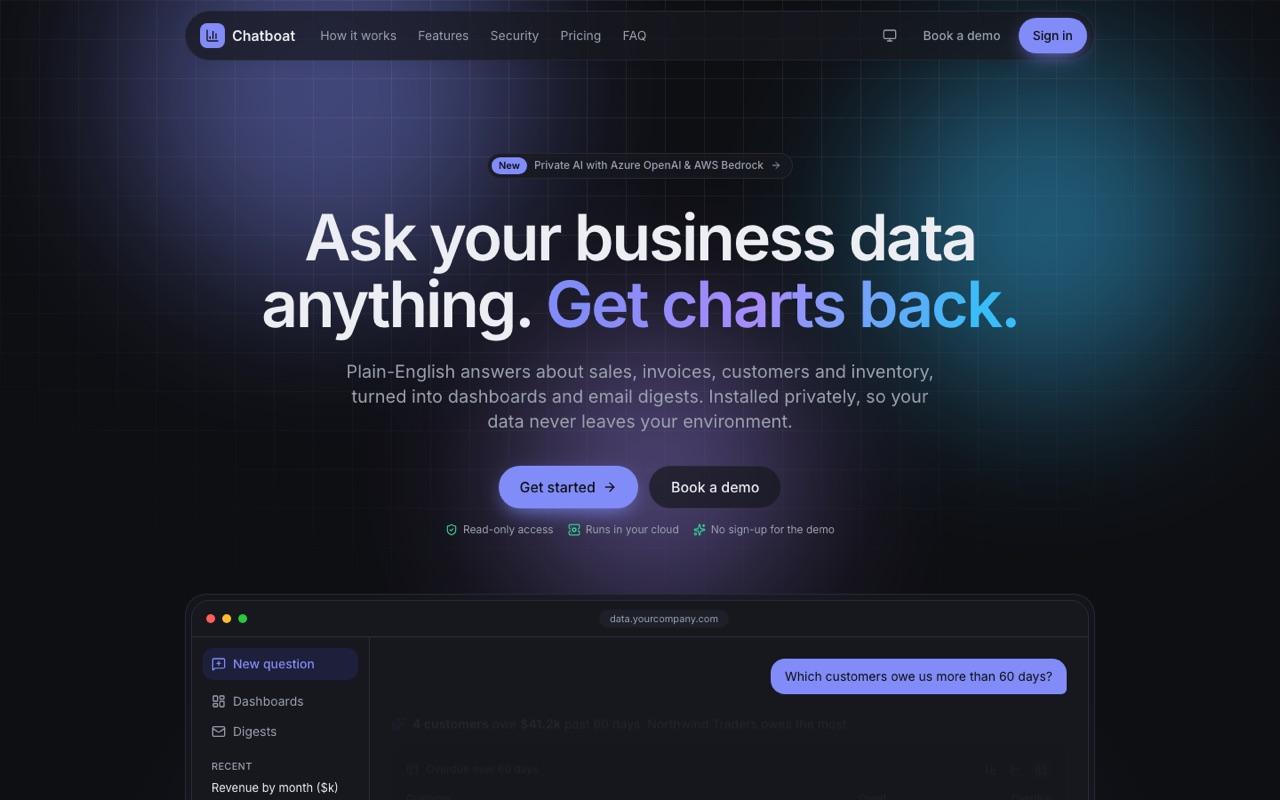
Safety rules deserve their own cases. When we built Chatboat, an AI analytics product that turns plain-English questions into charts, the database protections (a read-only user, an allow-list of tables, checks on every generated query and a five-second timeout) were enforced in code, not by the prompt. Tests should prove those limits hold, including for questions designed to get around them.
A starter checklist
- 30 to 50 real test cases, including refusals and hard cases.
- Automatic checks for each case, simplest method first.
- A grading prompt you've checked against human judgement.
- Evals run on every prompt, model or data change, with results in the pull request.
- Production feedback that turns failures into new cases every week.
None of this needs special tools to start; a spreadsheet and a short script are enough. If you'd like help setting up evals for an AI feature you're building or already running, get in touch.